





Creating clean videos can be tough when you keep forgetting your lines. Professional equipment costs a lot of money, but you do not need expensive gadgets to look or sound confident. Simple household items and smart apps can instantly fix your delivery issues.
In this article, Tribune Online examines practical ways to read your scripts naturally without breaking your bank account.
Use a clear picture frame glass
You can build a traditional reflector using an old photo frame. Place clear glass at a 45-degree angle in front of your camera lens.
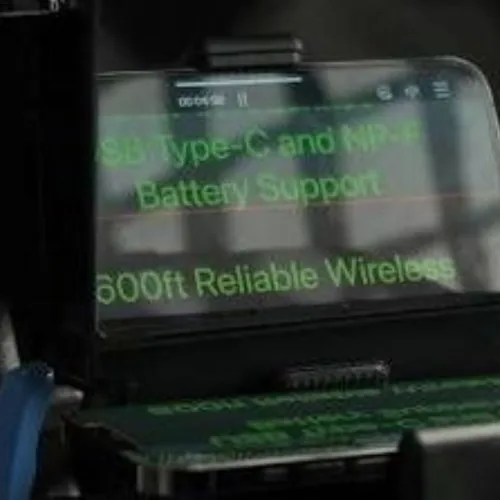
Place your smartphone flat underneath the glass to display your script. According to setup guides on Wistia, the glass reflects your text clearly while letting the camera lens shoot right through it without showing the words.
Mount your laptop near the lens
Position your laptop directly behind your smartphone or tripod camera. Open your script file in large font sizes so you can read easily from a distance. Keeping your text close to the camera lens preserves direct eye contact with your viewers.
ALSO READ: 4 simple settings that turn basic recordings into studio quality sound
Set up free teleprompter mobile apps
Download free scrolling applications like Teleprompter Premium or CapCut on your phone. Adjust the scrolling speed so the words move at your natural talking pace.
This trick eliminates the need for manual scrolling, allowing you to speak smoothly without constantly touching your screen.
Stick notes beside the camera lens
Write short bullet points on sticky notes and attach them around your camera lens. Focus on key ideas rather than full sentences so you can speak naturally. This approach prevents awkward pauses and gives your presentation an engaging, conversational feel.
Use wireless presentation clickers
Pair a small Bluetooth clicker or wireless mouse with your scrolling app.
You can pause, speed up, or slow down your script while holding your hands off-camera.
This control keeps your recording seamless and hides any scrolling effort from your audience.
Comments
Start the conversation about this story.